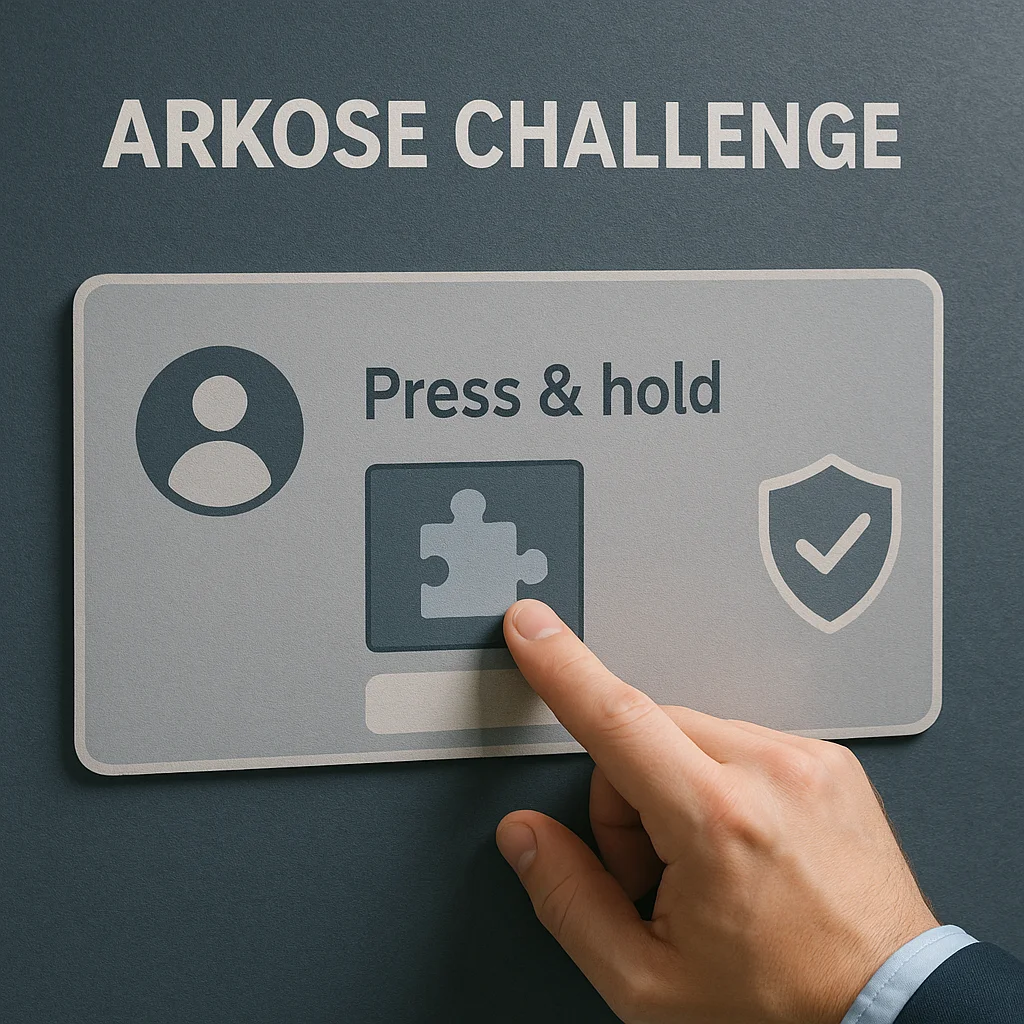
If you’ve been filling out an online form or signing up for a service lately, chances are you’ve met the arkose challenge. It pops up like a tiny checkpoint between you and whatever you’re trying to do—almost like a digital security guard asking, “Are you really a human?” But unlike the old-school CAPTCHA boxes with blurry letters, the arkose challenge feels more modern, more interactive, and sometimes, more confusing.
In this guide, we’ll break down everything about the arkose challenge—what it is, why it exists, what triggers it, and what you can actually do about it.
What Exactly Is the Arkose Challenge?
The arkose challenge is a security measure created by Arkose Labs, a company that focuses on fraud prevention. At its core, it’s a type of puzzle or task that websites use to separate legitimate users from bots, scammers, or automated scripts.
Instead of a plain “click the checkbox” prompt, the arkose challenge might ask you to rotate an object to the right position, match images, or complete a short interactive task. It feels more like a quick game than a boring verification step.
Here’s why it matters:
- Websites are under constant attack. From fake signups to credential stuffing, bots are everywhere.
- Traditional CAPTCHAs are getting weaker. Hackers have built tools that can solve many of them automatically.
- The arkose challenge adapts. It’s built to be harder for bots to crack but still doable for humans.
Why Are You Seeing the Arkose Challenge More Often?
If you feel like the arkose challenge is popping up on more and more sites lately, you’re not wrong. Companies like Microsoft, PayPal, and even gaming platforms have started using Arkose Labs’ tech.
There are a few reasons for the surge:
- Fraud is skyrocketing. As e-commerce, banking, and online games grow, fraud attempts do too.
- Bots are more sophisticated. They don’t just scrape—they sign up, spam, and even make fake transactions.
- User experience matters. The arkose challenge is seen as less annoying than endless CAPTCHAs, so brands are adopting it.
Think of it like airport security. Ten years ago, you just showed your ticket. Now, you go through layers of scans—not to annoy you, but to protect everyone. The arkose challenge is that extra scan for the internet.
How Does the Arkose Challenge Work Behind the Scenes?
From the user side, you just see a task. But the engine underneath is doing a lot more.
- Behavioral tracking: The system quietly observes how you move your mouse, tap your screen, or interact with elements before the challenge even appears.
- Risk scoring: If your behavior seems suspicious—like multiple rapid login attempts—it might trigger the arkose challenge.
- Dynamic puzzles: Not every puzzle is the same. Some are harder if the system suspects bot-like activity.
This layered approach means bots can’t easily “learn” the challenge and bypass it. And for regular users, the puzzles usually stay simple and quick.
When Do You Typically Encounter the Arkose Challenge?
The arkose challenge isn’t everywhere, but it shows up at certain friction points where security risk is high:
- Account signups – To block automated account farms
- Login attempts – Especially if you’re logging in from a new location or device
- Payments or transactions – Extra safety before processing money
- Gaming platforms – To prevent botting and account abuse
For instance, Roblox and other gaming services use it to protect against bots farming in-game rewards. Banks use it to keep fraudsters from brute-forcing passwords.
Pros and Cons of the Arkose Challenge
Like any security measure, the arkose challenge isn’t perfect.
Pros:
- Usually faster and less frustrating than CAPTCHAs
- Harder for bots to bypass
- Customizable for different websites
Cons:
- Can glitch or load slowly on weak connections
- Accessibility concerns for users with disabilities
- Sometimes appears even when you’re a legit user
The sweet spot for Arkose Labs is to balance security with usability. But like any evolving tech, it can have rough edges.
How to Deal with the Arkose Challenge Smoothly
If you keep hitting the arkose challenge over and over, there are ways to make the experience smoother:
1. Keep your browser updated
Old browsers can trigger extra security checks. A fresh Chrome, Safari, or Firefox update helps.
2. Avoid suspicious activity
Multiple rapid clicks, VPN hopping, or repeated failed logins can trigger the challenge more often.
3. Use a stable internet connection
A weak or constantly switching connection can look like bot traffic.
4. Enable cookies (if safe)
Some sites need session cookies for the challenge to verify you properly.
By following these steps, you’re less likely to see the arkose challenge pop up at every action.
Is the Arkose Challenge Different from CAPTCHA?
This is one of the biggest user questions. And yes—it is.
Traditional CAPTCHA (Completely Automated Public Turing Test to Tell Computers and Humans Apart) asks you to read distorted text or click images of buses and traffic lights. The arkose challenge, on the other hand, uses game-like puzzles and dynamic detection.
- CAPTCHA: static, predictable, easily defeated by automation
- Arkose: adaptive, puzzle-based, more interactive
Websites that care about user flow are leaning toward Arkose because it blends into the experience instead of interrupting it with clunky boxes.
What If the Arkose Challenge Isn’t Loading?
Sometimes, you click something and the arkose challenge just spins—or doesn’t show up at all. Here’s what to try:
- Refresh the page – Basic but effective
- Turn off aggressive ad blockers – Some block scripts that load the challenge
- Clear cache and cookies – Especially if you haven’t in months
- Try another browser – If one is buggy, another might load it instantly
If nothing works, the site’s servers might be under load, or Arkose itself might be experiencing issues.
The Future of the Arkose Challenge
Security tech evolves fast. The arkose challenge of today might look very different in a few years. Arkose Labs is experimenting with:
- Invisible checks that only surface if something seems very suspicious
- Better accessibility options so users with impairments aren’t stuck
- Integration with AI to dynamically adjust puzzle difficulty
As online fraud keeps rising, we’ll probably see the arkose challenge become as standard as login passwords—but hopefully in a way that feels effortless for real users.
FAQs About the Arkose Challenge
- Why do I keep getting the arkose challenge on Roblox or gaming sites?
If you’re gaming, repeated logins, VPN use, or bot-like behavior can trigger the arkose challenge. These platforms rely on it to fight spam and unfair play. - Can bots bypass the arkose challenge?
It’s far tougher than traditional CAPTCHAs. While no system is perfect, the arkose challenge is designed to constantly change and stay ahead of automated attacks. - Is the arkose challenge safe to interact with?
Yes. It’s simply a verification tool. It doesn’t download anything harmful to your device. - How long should the arkose challenge take?
Most puzzles take under 30 seconds. If it’s dragging or freezing, it’s likely an internet or site issue, not the challenge itself. - Can I remove the arkose challenge entirely?
As an end user, no—you can’t “turn it off.” Only the website you’re using can adjust when and how it appears. But you can lower how often you see it by avoiding VPN hopping and suspicious browsing habits.
Final Takeaway
The arkose challenge isn’t just another CAPTCHA—it’s a smarter, more flexible guard against bots, fraud, and online abuse. Yes, it can be annoying when you just want to log in or buy something, but in most cases, it’s the reason bots aren’t flooding every platform you use.
As online security tightens, the arkose challenge is likely to keep showing up—but if you understand what triggers it and how to breeze through it, it won’t feel like such a roadblock.